

When a computer is no longer used, does it really stop mattering?
Many companies manage the purchase, use, and even assignment of laptops with quite some care. But when a device is no longer needed, it usually takes a back seat. It ends up on a shelf, in a storage room, in the back of a drawer, or, worse, it gets lost.
But that final stage is just as important as the beginning.
Because a disused device still represents a cost, a risk, and, above all, an opportunity.
Why is it key to define what to do with inactive hardware?
Because it takes up physical (and mental) space
Abandoned computers in offices, lockers, or warehouses generate operational clutter, storage costs, and a loss of visibility.
Because they may contain sensitive information
If they are not cleaned properly, they may still store company data, access, or files.Because they represent idle capital
A device that is not used and is not managed is tied-up money. It can be refurbished, sold, or put to use in other ways.Because they are a great opportunity to apply sustainable criteria
Reusing, donating, or recycling responsibly is also part of a company's environmental commitment.
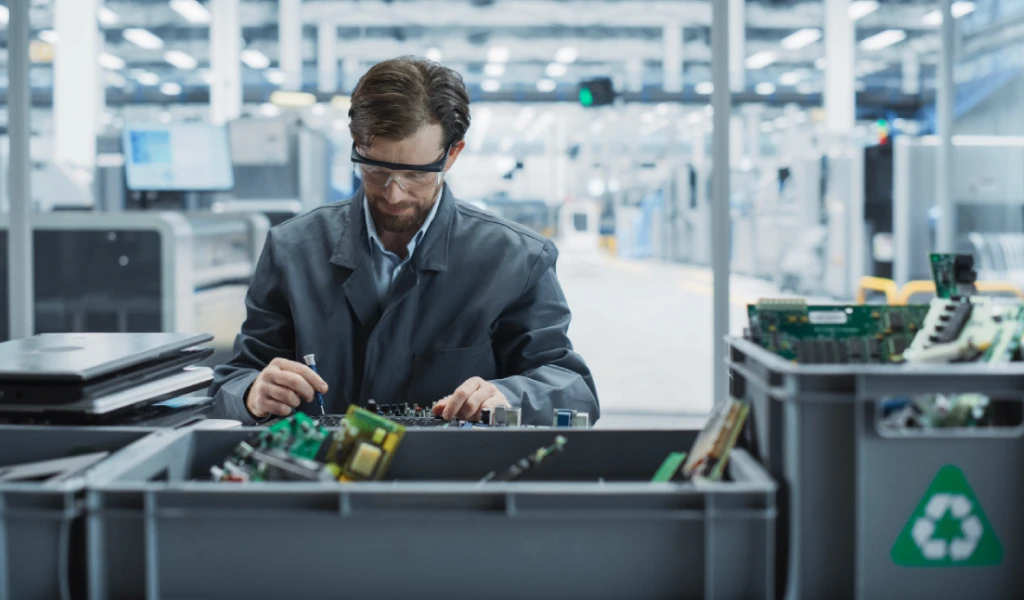
The most effective sustainable alternatives
When a computer is no longer in use, there is more than one way to manage it correctly.
Not all of them involve discarding it. In fact, in many cases, throwing it away is the worst path.
Let's look at the most recommended options:
1. Internal refurbishment and reuse
One of the most sustainable and efficient ways to manage disused hardware is to refurbish it and reintegrate it into the operation.
This may involve:
Complete technical review
Physical cleaning and system formatting
Replacement of battery, keyboard, or minor parts
Operating system and corporate software update
Ideal for:
New hires with basic technical requirements
Administrative or support profiles
Temporary projects
This allows extending the useful life of the hardware and reducing unnecessary purchases.
2. Consignment sale or buyback
If the computer is in good condition but no longer makes operational sense, selling it can be a smart option.
Two common modalities:
Consignment sale: The provider takes care of refurbishing, listing, and selling it for you, in exchange for a commission.
Buyback: The provider directly buys the laptops, with a quote based on model, condition, and year.
Advantages:
Recovery of part of the capital
Professional refurbishment management
Reduction of inactive stock
Reduction of environmental impact
At First Plug, we offer both options, including pickup and a transparent quote by model.
3. Donation to social organizations
Another sustainable alternative with social impact is donating computers to NGOs, schools, foundations, or community projects.
It is essential that these devices:
Are properly formatted (certified data wipe)
Function in a stable manner
Come with brief documentation (model, year, condition)
At First Plug, for example, we work together with the NGO Tzedaká, managing the donation of refurbished technological equipment to those who need it most.
This allows giving them a second useful life and improving digital inclusion.
4. Certified recycling
When hardware is heavily deteriorated or out of standard, the most responsible action is to manage its recycling in a certified way.
This includes:
Separation of useful parts (memories, disks, boards)
Shredding and recycling of non-reusable components
Safe handling of contaminating materials
Final disposal certificates
They should never be thrown into the regular trash or left forgotten. Many countries have specific regulations for this type of electronic waste (WEEE), and non-compliance can lead to sanctions.

What happens if you do nothing?
Not making a decision about disused computers is also a decision. But it is usually the worst one.
The most common risks are:
Loss of hardware (and money) due to lack of tracking
Data leakage due to unformatted devices
Accumulation of old laptops that are no longer useful
Unnecessary storage costs
Non-compliance with recycling or final disposal regulations
And above all, a missed opportunity to recover value and add a positive impact.
How does First Plug manage it?
At First Plug, we support companies throughout the entire process of managing disused hardware:
We retrieve devices wherever they are
We diagnose their condition and potential destinations
We apply wiping or secure destruction as appropriate
We offer options for refurbishment, sale, or donation
We issue certificates for each stage (useful for compliance and auditing)
And most importantly: we integrate it with your management platform so you don't lose visibility or control.
In summary
Having computers you no longer use is inevitable. What should not be inevitable is leaving them forgotten, untracked, and without taking advantage of their value.
Today, there are sustainable, secure, and economically smart alternatives for every case. The key lies in having a clear process, a reliable partner, and a vision that combines impact, efficiency, and responsibility.
If you want to know what to do with the hardware you no longer use, at First Plug we help you decide.
You might also be interested in…