
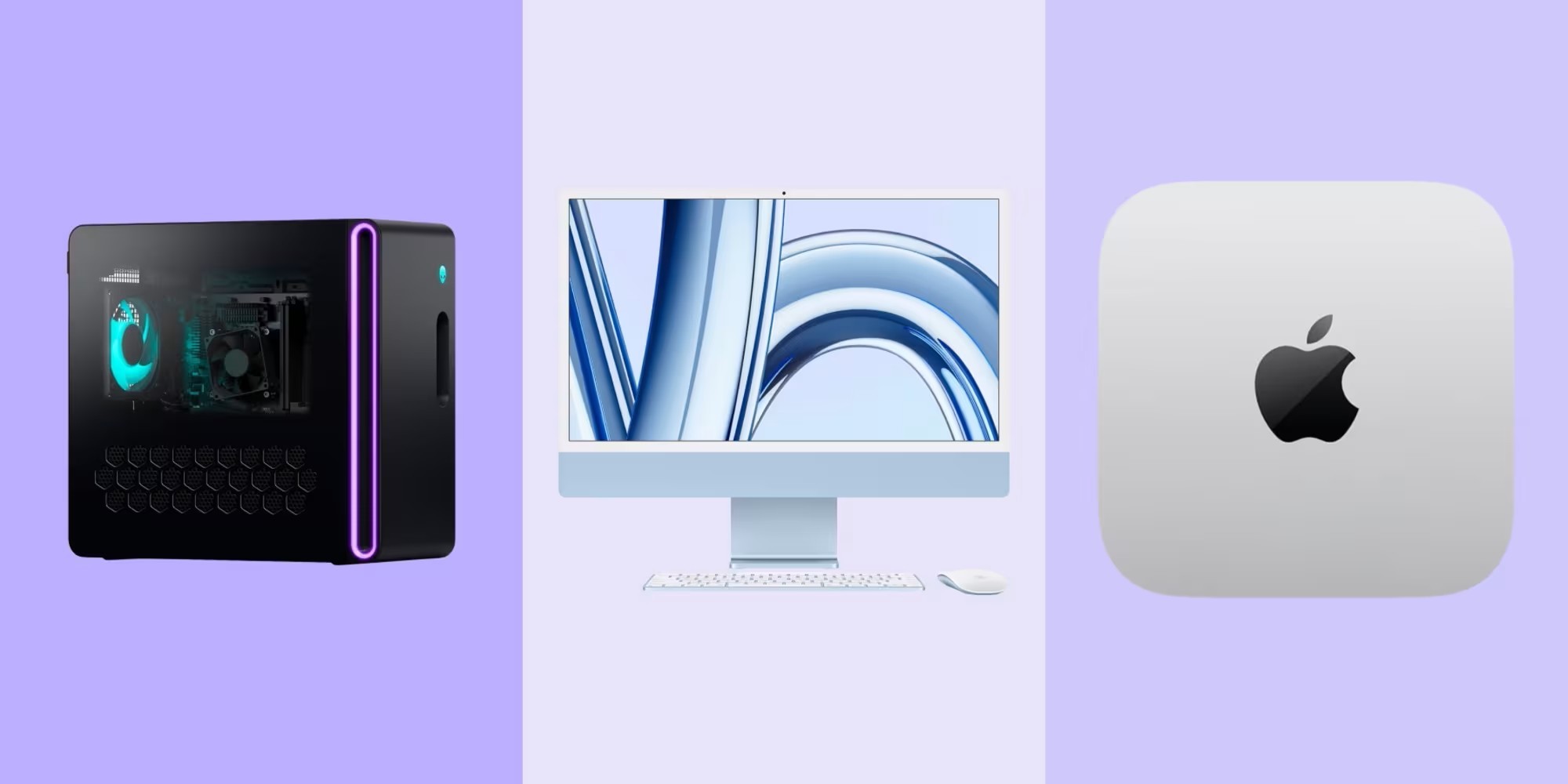
A developer doesn't need the same things as a designer. And an account executive doesn't work the same way as a financial analyst. However, many companies continue to buy "generic" computers for everyone... and are then surprised when performance is not as expected.
In this article, we show you how to set up a simple and efficient system to choose the right equipment according to the employee's profile. Because it's not about spending more, but about investing better.
Why not all positions should have the same equipment
Each role has different technical, operational, and performance needs. If you equip your entire team equally:
Some will be over-equipped (and you waste budget)
Others will be under-equipped (and they lose time and productivity)
The IT team will have more compatibility and support issues
The key is to find the balance between performance, price, and durability.
How to group profiles to assign the ideal equipment
At First Plug we use a simple methodology that you can adapt to your company.
Basic profiles
(Administrative, HR, Customer Support)
Web browsing, video calls, cloud tools.
Suggested equipment: Intel i5 or MacBook M1, 8 GB RAM, SSD 256 GB. Lightweight and durable laptops.
Medium profiles
(Product Managers, Marketing, Sales)
Multitasking, collaborative tools, CRM, heavy spreadsheets.
Suggested equipment: Intel i5/i7 or MacBook M2, 16 GB RAM, SSD 512 GB. Good screen and battery.
Technical profiles
(Developers, DevOps, Data Analysts)
Programming, data analysis, virtual environments, Docker, etc.
Suggested equipment: i7/M1 Pro or M2/M4, 16-32 GB RAM, SSD 512 GB or more.
Creative profiles
(Design, UX, Motion, Video)
Editing software, rendering, Adobe Suite, Figma, etc.
Suggested equipment: MacBook Pro / PCs with dedicated GPU, minimum 16 GB RAM.
—
Disclaimer
The recommendations in this article are guidelines and are based on the most common profiles within technology companies. At First Plug we understand that each organization has its own particularities, specific tools, and different ways of working.
Whenever the budget allows, we recommend opting for the most recent versions of each processor (for example: M2/M3 instead of M1, or latest generation Intel), as they offer higher performance and a longer lifespan.
If you want personalized advice to choose the ideal equipment according to your structure, tools, and budget, our team can help you define it.

Common mistakes when choosing hardware (and how to avoid them)
Buying for price and not for need
Result: equipment that becomes too small within a few months.
Advice: Prioritize durability and performance, not just initial cost.
Not standardizing by profile
Result: chaos for IT, disorder in support and logistics.
Advice: Define 3-5 standard kits and apply them according to role.
Not thinking about scalability
Result: every new hire is a new decision without criteria.
Advice: document the profiles and keep the system set up.
How First Plug Solves It
At First Plug, we work with more than +170 companies to help them choose, purchase, configure, and deliver the ideal equipment to each collaborator. How?
Hardware kits by profile validated with IT and HR.
Centralized purchasing, but globally distributed delivery.
Recommendations by job role, software, and work style.
In summary
Not all collaborators need the same computer. But everyone needs the right one for what they do.
Choosing the right hardware not only improves productivity: it also optimizes the budget, reduces technical support, and improves the team experience.
If you want to organize your equipment system, set up your profiles, and scale without chaos, talk to us. We can help you.
You might also be interested in…