
Working from anywhere sounds good. Until something stops working.
When a remote employee has a technical problem, they can't "go to the IT office."
They can't borrow a laptop from the next desk. And they can't afford to wait around without being able to work.
That's why technical support can no longer function as if the whole team were in the same office.
If your company has remote, hybrid, or distributed employees across different countries, you need a different approach.
A support that is agile, remote, structured, and truly decisive.
What do we mean by technical support in remote environments?
It is the ability to assist any employee with using and troubleshooting their device, regardless of where they are.
But it is not just about responding to tickets. Remote technical support covers:
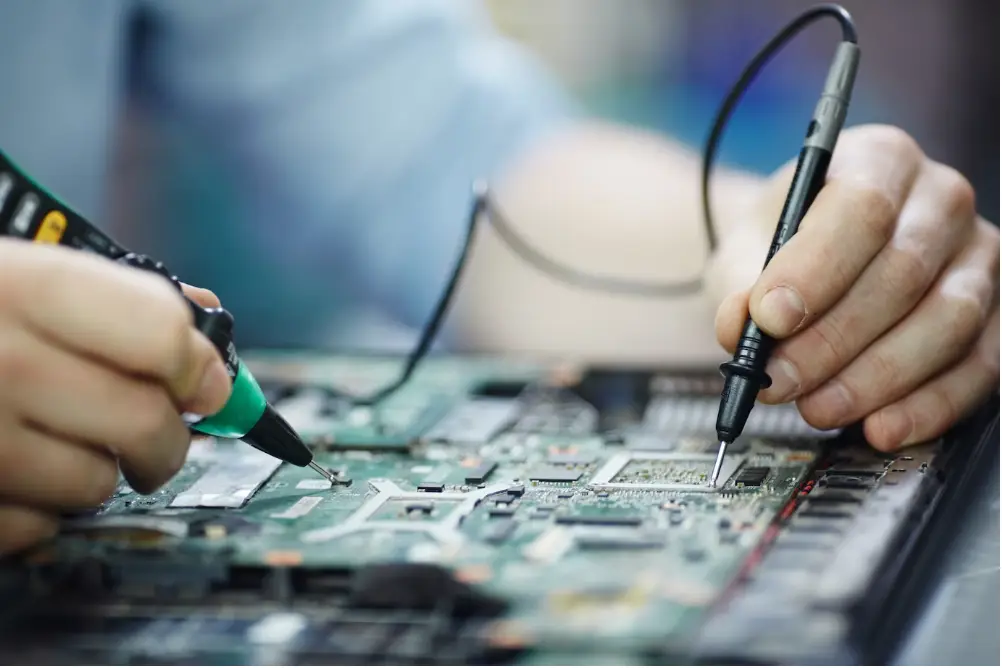
Diagnostics of hardware or software issues
Repairs or replacements as needed
Shipping of spare parts or peripherals
Reinstallation of systems or corporate tools
Initial configurations and troubleshooting
Escalation of complex cases
And most importantly: it must be accessible, fast, and traceable.
Why is it so critical for remote teams?
Unlike in-person work, where informal solutions may exist, remote work depends entirely on the device.
If the equipment fails, the person is literally out of the system.
These are some of the most common impacts:
Loss of productivity
Every hour without resolving a technical issue is an hour of lost work. And in remote teams, that hour can go unnoticed for days.
Isolation and employee frustration
When someone remote has a technical problem and does not receive assistance, the emotional impact is greater. They feel neglected, alone, and disconnected from the team.
Burnout of the internal IT team
Without clear processes or proper structure, the internal team ends up handling scattered cases without follow-up, without escalation, and often after hours.
Security risks
Unresolved technical issues can lead to the use of personal devices, insecure access to platforms, or the installation of unauthorized external software.

What should a good remote support system have?
There are four key elements that cannot be missing:
1. Multi-channel support with fast response times
Not all problems are solved by email. And not all of them can wait 48 hours.
Modern technical support must offer service through multiple channels: email, chat, ticketing, and ideally, WhatsApp or a direct line.
In addition, it must have clear and realistic response times, aligned with the criticality of the case.
2. Efficient diagnosis and real-time tracking
Knowing what is happening, what stage the ticket is in, and who is resolving it.
This means having a well-structured ticketing system with history, status updates, and prioritization based on impact.
3. Remote replacement or repair capability
Support doesn't end with diagnosis.
It is fundamental to be able to execute real solutions:
Send a replacement device
Schedule a collection for repair
Perform a remote wipe and reinstallation
Coordinate the retrieval of the damaged equipment and delivery of a new one
Provide on-site support if the case requires it
4. Integration with logistics and asset management
Technical support cannot exist in isolation.
It has to be connected with stock management, recovery processes, and visibility into which device each person has.
For example:
If a device cannot be fixed, the system should automatically trigger a replacement request and coordinate logistics.
If a replacement is made, the old device must be recovered, checked, and decommissioned or refurbished.
All of this requires integration.

What does a bad remote support experience look like?
“I sent an email three days ago and I still don't know what happened to my laptop.”
“They told me they were going to fix it, but no one coordinated the pickup.”
“They asked me to take it to a branch, but I live 300 kilometers away.”
“The company asked me to use my personal computer in the meantime.”
“I had to solve it myself because they didn't give me an answer.”
These phrases are more common than they seem.
And they all have something in common: they generate distrust, wear and tear, and a negative work experience.
How does First Plug solve it?
At First Plug, we offer technical support designed for companies with distributed teams.
This includes:
Diagnosis and care through multiple channels
Logistics coordination for equipment pickup and delivery throughout the region
Immediate replacements if the equipment fails
Repair or remote wipe depending on each case
Support available for multiple countries and time zones
Everything is registered, tracked, and documented. And it all aims at the same thing: for the collaborator to be able to continue working without friction.
In summary
If your company has remote collaborators, technical support cannot be a quick fix. It has to be a thought-out, active process with the capacity to resolve issues.
Because it is not just about fixing computers.
It is about:
Taking care of the team experience
Protecting productivity
Avoiding unnecessary expenses
Operating efficiently, no matter where the people are
And to achieve that, you need a support that lives up to the work model you are building.
At First Plug, we make it possible.
You might also be interested in…