

One of your collaborators opens a file from an email that looked legitimate. Within minutes, the laptop starts behaving strangely. The antivirus does not react. Accesses become compromised. And worst of all: it was a computer with sensitive permissions.
Malware is not just a problem for individual users. Today, in business environments with remote work, multiple devices, and access to confidential information, it can be the beginning of a major headache.
In this article, we'll tell you what malware is, how to detect it, and what you can do to protect your business without needing to be a cybersecurity expert.
What is malware and why should you care?
Malware = malicious software.
It is any program created for harmful purposes, whether to steal data, damage systems, or simply spy without your knowledge.
The most common types:
Viruses: attach themselves to legitimate files and replicate.
Trojans: look like useful programs, but open backdoors.
Ransomware: hijacks your files and demands a ransom
Spyware: spies on your activity and steals information.
Adware: bombards with advertising and can open pathways to other attacks.
In a company, a single infected computer can compromise:
🔴 Internal documentation
🔴 Customers' personal data
🔴 Shared access credentials
🔴 The entire infrastructure if there is no segmentation
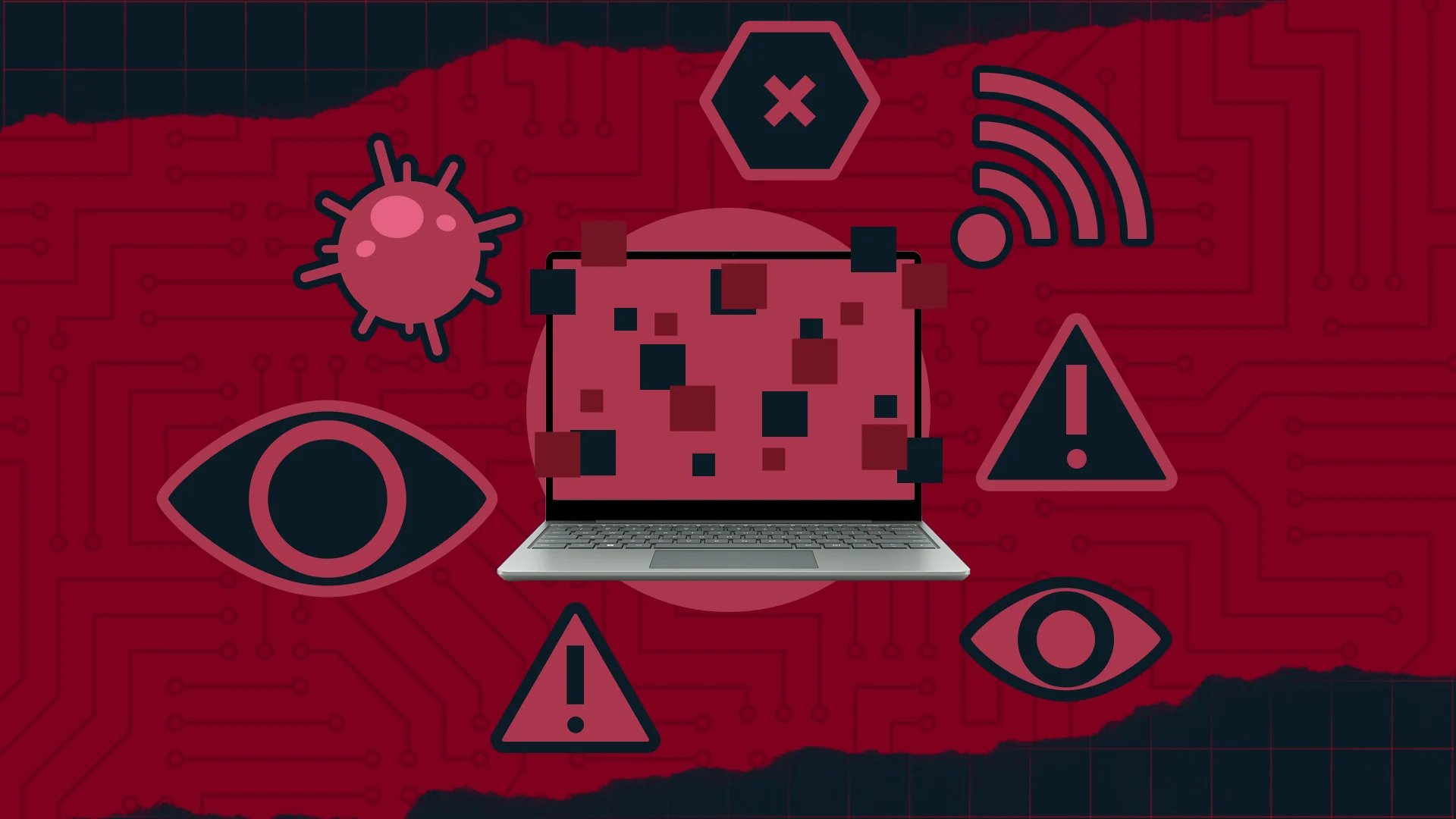
Signs that something is wrong
How to tell if you have a compromised device?
The device is slower than usual
Windows or applications open for no reason
Your browser changes configuration by itself
Strange files appear or yours disappear
The fan turns on even though you are not doing anything heavy
If one of these symptoms appears, act quickly.
Common mistakes (and how to avoid them)
Downloading files without checking the source
Risk: malware disguised as an attachment
Solution: clear policies + team awareness
Devices without protection or with expired antivirus
Risk: free entry for threats
Solution: software control from a centralized platform
Sharing passwords via email or chat
Risk: credential theft and full access
Solution: password managers + 2FA
Not updating the operating system or apps
Risk: open vulnerabilities
Solution: automatic and forced updates from IT

How to protect yourself without being an IT expert?
Use an MDM that allows you to configure security rules on all devices
Force updates and periodic reviews from a console
Establish roles and access based on need (principle of least privilege)
Implement protection tools such as antivirus, VPN, and firewalls
Raise awareness among employees: 90% of attacks start with a bad click
How do we solve it at First Plug?
At First Plug, we help companies secure themselves starting from their equipment:
All our devices include secure, updated, and preconfigured software
We integrate MDM, ABM, and Intune solutions to apply security policies remotely
We monitor every device throughout its entire life cycle
We offer secure data destruction and certified reconditioning
We give you a platform to see which device is at risk and act before anything happens
In summary
Attacks don't always come from a hacker wearing a hoodie. Many times, they enter through a PDF.
With a good security strategy from the device level, you can prevent a human error from becoming a major problem. And if you also have an all-in-one solution like First Plug, you can sleep soundly.
You might also be interested in…